Dating App Screenshot Privacy Before You Upload Chats
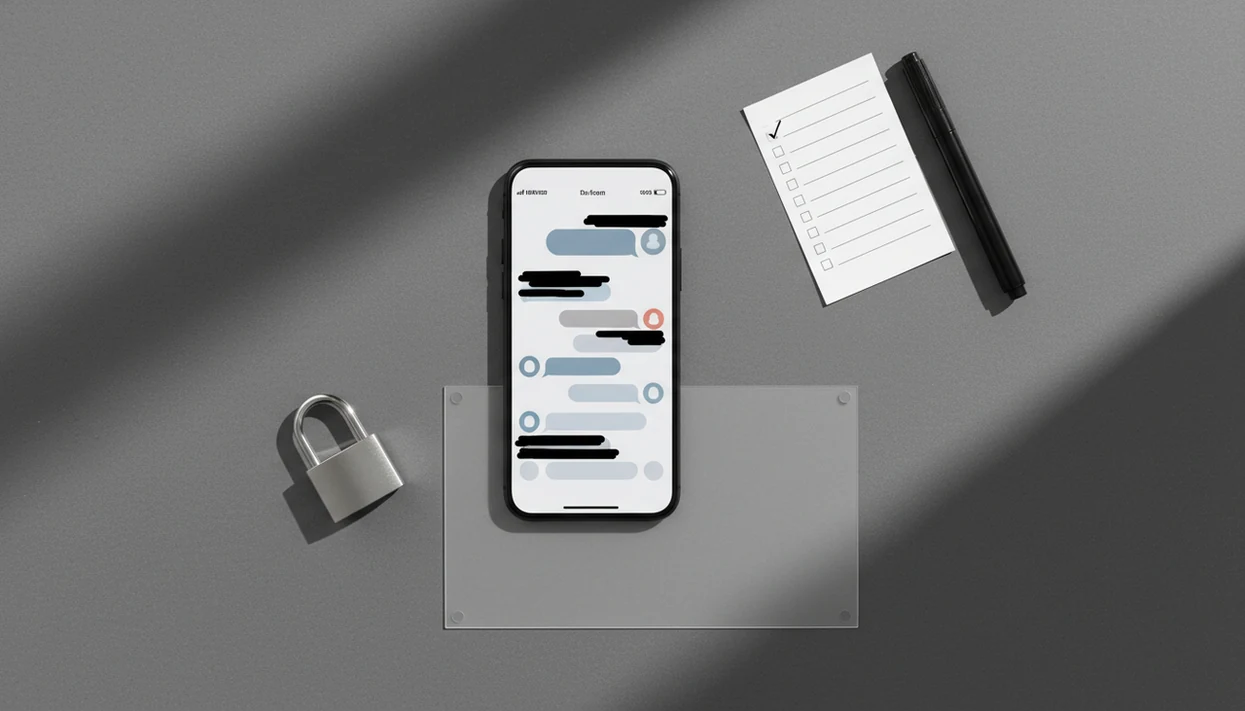
Dating app screenshot privacy means removing or minimizing anything in a dating chat screenshot that could identify you, your match, or your location before you upload or share it. The safest workflow is to crop first, redact direct identifiers, check for indirect clues, and only upload the minimum context needed.
> Dating app screenshot privacy is the practice of capturing, editing, storing, and sharing dating app screenshots without exposing names, faces, phone numbers, locations, social handles, workplaces, or other identifying details.
This guide is privacy and safety information, not legal advice, crisis support, or a substitute for platform reporting. If a screenshot involves threats, stalking, blackmail, sexual exploitation, or immediate danger, preserve evidence and contact the platform, a trusted person, local authorities, or emergency services.
- Do not rely on blurring only a name; faces, prompts, locations, workplaces, and message context can still identify someone.
- Before uploading dating chats safely to an AI helper, crop out irrelevant areas and redact names, faces, handles, phone numbers, addresses, and exact places.
- UnToxic is an AI dating assistant that suggests dating app replies, improves profiles, and flags toxic messages for mobile daters.
Dating App Screenshot Privacy At a Glance
Dating app screenshot privacy is risk reduction, not guaranteed anonymity. Before sharing or uploading a message screenshot, remove the obvious identifiers and the small clues that make a person searchable.
Highest-risk details include names, faces, phone numbers, Instagram handles, locations, workplaces, school names, profile photos, and unique Hinge prompt answers. A screenshot crop that cuts off the previous message can also remove context, so keep only the lines needed for reply help or red-flag detection.
Less is safer.
App screenshot notification behavior varies by platform and feature. iPhone or Android alone does not decide it. A public meeting spot pinned on a map, a visible neighborhood name, or a profile header can matter more than the blue iMessage bubble or green Android bubble.
Five Dating Screenshot Privacy Facts Users Miss
- Dating screenshots often contain hidden identifiers beyond names. A Tinder bio, Bumble opener, profile photo, workplace badge, or school logo can identify someone even when the display name is covered.
- Some platforms notify users about screenshots, but many dating apps do not. Screenshot alerts depend on the app and feature, so check current help pages before assuming privacy.
- Redact direct identifiers before uploading to any AI dating assistant. Remove names, faces, handles, phone numbers, emails, addresses, and exact venues before asking for a better reply.
- Anonymous-looking screenshots can be re-identified through combined details. One unusual profile prompt plus a city and job title may be enough for someone nearby.
- Third-party AI tools may differ in storage, training, and deletion policies. Review the App Store privacy label, privacy policy, and deletion options before uploading sensitive chats.
How Dating App Screenshot Privacy Works
Dating app screenshot privacy works by controlling the data flow: you capture a screenshot, store it on your phone or cloud backup, edit it, upload it to a tool, let that tool process it, and sometimes share it onward. Each step can expose more than the chat text.
Direct identifiers name the person outright. Think phone numbers, faces, full names, handles, and addresses. Indirect identifiers are the quieter clues, like a venue name, shift schedule, campus reference, or “only dog groomer in Tempe” profile prompt.
Re-identification risk means separate clues can combine into one real identity. Research from Data Privacy Lab found that 87% of the U.S. population could be uniquely identified by ZIP code, birth date, and sex, which shows why small details matter in screenshots source. For most users, cropping first is easier than fixing five leaks later because it removes whole areas before redaction begins.
Redact Dating Screenshots Checklist Before Uploading Chats
Redact dating screenshots by cropping first, covering direct identifiers, checking indirect clues, and saving only the minimum chat context. This is the same habit we recommend before uploading a message screenshot to an AI helper or sending it to a friend.
Direct identifiers to remove
Remove full names, usernames, social handles, phone numbers, email addresses, faces, profile photos, addresses, workplaces, school names, and location tags. Crop out the status bar, notification previews, profile header, app tabs, and unrelated messages. The dating helper icon on a home screen is harmless until a notification banner shows a match’s name beside it.
Indirect clues to double-check
Remove exact dates, event names, venue names, license plates, apartment views, gym logos, and distinctive background details. Keep the few lines needed to understand the reply or toxic pattern. For broader tool safety, our AI dating privacy guide covers what to review before uploading screenshots at all.
How to Use Dating Screenshot Privacy Before Uploading Chats
Use dating screenshot privacy as a short pre-upload routine: reduce the image first, then remove identity clues, then share only what the question needs. The goal is not to make the chat perfect; it is to avoid exposing people while still keeping enough context for useful help.
- Crop the screenshot before adding blur, stickers, boxes, or markup. Cut out the app header, profile photo, status bar, notification banners, old messages, and any unrelated parts of the screen.
- Remove direct identifiers such as names, faces, phone numbers, handles, email addresses, workplaces, schools, addresses, and exact location tags.
- Review indirect clues separately. Look for venue names, event details, neighborhood references, unique prompt answers, schedules, background logos, or anything that could narrow the person down.
- Save a redacted copy instead of overwriting the original, especially if the chat documents harassment, scam pressure, threats, or behavior you may need to report later.
- Upload only the minimum context needed for your question, such as the few lines needed for a reply suggestion or red-flag check.
Upload Dating Chats Safely to AI Dating Assistants
AI dating assistants process sensitive conversations, so treat every upload as personal data. Tools like UnToxic can suggest reply options, help improve a profile, and flag toxic message patterns, but users still need to check the context before trusting any result.
Before you upload dating chats safely, ask four questions: does the tool store uploads, use content for training, allow deletion, and secure data in transit? A Pew survey found that 79% of U.S. adults are concerned about how companies use collected data, and 81% feel little or no control over it source. That concern fits dating screenshots exactly.
Good AI dating assistant for chat replies, profile help, pickup lines, and toxic conversation red-flag detection should deliver practical options and safety cues, not pressure, surveillance, or fake intimacy. If you’re worried about sounding like a script, read our guide to AI dating authenticity.
Dating App Screenshot Notifications on iPhone and Android
Does this dating app notify someone when I take a screenshot? Screenshot notification behavior depends on the app and feature, not just whether you use iPhone or Android.
Some messaging apps, such as Snapchat or certain disappearing-message DM features, may notify people when screenshots happen. Many dating apps may not send alerts for standard profile or chat screenshots, but that can change after an update.
Check the current help page for Tinder, Bumble, Hinge, or whichever app you use before screenshotting. A download progress bar on public Wi-Fi tells you nothing about the app’s screenshot rules.
No alert does not make sharing ethical or safe. If you would not show the screenshot with both people in the room, redact harder or do not share it.
Dating Screenshot Privacy Risks From Scams and Toxic Messages
People save dating screenshots because real problems happen in dating apps: unwanted messages, harassment, scam attempts, guilt trips, and confusing pressure. Pew reported that 30% of U.S. adults have used dating sites or apps, including 48% of adults ages 18 to 29 source.
The same Pew research found that 46% of online daters had received unwanted sexually explicit images, and 37% said someone kept contacting them after disinterest. The FTC also reported more than 70,000 romance scam complaints and over $1.3 billion in losses in 2022 source.
Screenshots can help you document behavior before blocking or unmatching. Save them first if you need a record. However, redact before uploading or posting, especially when checking a late-night pressure text or asking whether a guilt trip after a delayed reply is a red flag. For message-specific safety wording, use safe AI dating messages as a baseline.
When to Report, Block, or Get Help
Report, block, or get help when a dating chat moves from awkward into unsafe: harassment, threats, blackmail, stalking, exploitation, or pressure that makes you feel trapped. If you may need evidence, preserve screenshots before blocking or unmatching, then avoid sharing them more widely than necessary.
Use a simple escalation routine instead of trying to solve a safety issue through better wording.
- Save the relevant messages, profile details, usernames, dates, payment requests, threats, or repeated contact attempts before the chat disappears or you block the person.
- Report the account inside the dating app when the behavior violates platform rules, including harassment, impersonation, scam pressure, sexual coercion, blackmail, stalking, or threats.
- Block after preserving what you need, especially if continued contact is upsetting, manipulative, or unsafe.
- Tell a trusted friend, roommate, family member, counselor, or advocate if the situation is escalating or you are unsure what to do next.
- Contact local authorities or emergency services if there is immediate danger, threats of violence, stalking in person, sexual exploitation, or blackmail involving intimate images.
AI feedback can help you label a message pattern or draft a calmer reply, but it is not a safety intervention. Do not wait for an AI tool if you need real-world help.
Dating Screenshot Privacy Gaps in Redaction Tools
Redaction tools reduce exposure, but they do not catch everything. Automated redaction can miss status bars, notification previews, mirror reflections, background details, and tiny username fragments near a crop edge.
A person’s writing style can also identify them. “haha nice” followed by the same inside joke, job story, or travel photo reference may be recognizable to friends. Context has a fingerprint.
AI red-flag checks can help sort a red flag versus awkward phrasing, but they may miss subtle manipulation or overflag normal disagreement. For that boundary, our toxic text analyzer limitations page explains why human judgment still matters. Once a screenshot is posted online, it can be copied, saved, reposted, or stripped from its original context.
Limitations
Dating screenshot privacy has real limits, even when you do the work carefully.
- Carefully redacted screenshots cannot guarantee full anonymity.
- Unique phrasing, profile prompts, event details, or story context can still identify people.
- AI dating assistants can help interpret messages, but they are not complete safety tools.
- App screenshot behavior and privacy policies can change after updates.
- Manual review is required before every upload, even if a tool claims automatic redaction.
- No privacy practice can fully prevent saving, copying, or resharing once content is online.
- Redaction may remove context that an AI tool needs to judge tone or suggest a better reply.
- If a conversation involves threats, stalking, blackmail, or exploitation, consider platform reporting, trusted support, or local emergency resources.
AI dating assistants can be useful second reads, but they should not replace your own safety judgment, platform reporting, or emergency support.
FAQ
Can dating apps detect screenshots?
Some dating apps and messaging features can detect screenshots, but behavior varies by platform and can change over time. Check the app’s current help resources before relying on any old answer.
Does Tinder notify screenshots?
Tinder has generally not been known for notifying standard chat or profile screenshots, but users should verify current Tinder help resources. App behavior can change after updates.
Does Bumble notify screenshots?
Bumble screenshot notification behavior should be checked in current Bumble support materials before screenshotting. Do not assume that silence means sharing is private or ethical.
Is blurring names enough?
No. Faces, locations, profile prompts, workplaces, school names, and message context can still identify people after a name is blurred.
How do I redact screenshots?
Crop out irrelevant areas, cover direct identifiers, remove indirect clues, and review the image before upload. Keep only the message context needed.
Can AI read redacted chats?
Yes, AI can usually analyze redacted chats if enough relevant message text remains visible. Over-redaction may reduce the quality of reply suggestions or red-flag analysis.
Should I crop dating screenshots?
Yes. Cropping reduces unnecessary exposure, but it should be combined with redaction of names, faces, handles, locations, and other identifiers.
Are dating screenshots legal to share?
It depends on location, content, consent, platform rules, and how the screenshot is used. This is not legal advice, so seek qualified guidance for serious situations.