> Definition: A dating screenshot analyzer is an AI tool that interprets tone, intent, and behavioral patterns in dating app chat screenshots, then delivers plain-language feedback on red flags, green flags, and suggested replies.
At a Glance: What the Dating Screenshot Analyzer Does
- A dating app screenshot analyzer lets you upload or paste a chat image from Tinder, Bumble, Hinge, iMessage, WhatsApp, or similar conversations.
- AI reads the message text for tone, intent, escalation, pressure, and manipulation patterns such as negging or boundary-pushing.
- Results include red-flag alerts, green-flag highlights, and suggested replies that match the actual conversation.
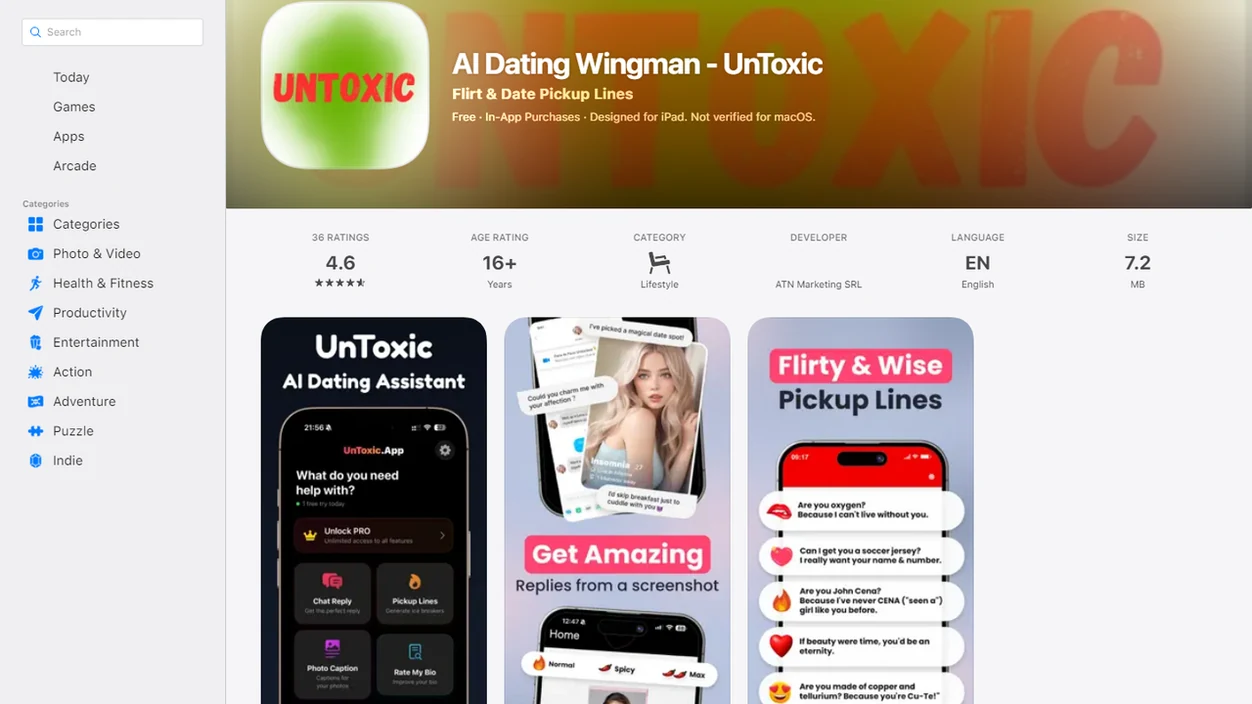
- UnToxic places screenshot analysis inside a wider AI dating assistant suite with profile help, opener ideas, and ongoing reply coaching.
- The feature works better when the screenshot includes enough context, especially the message before the confusing one.
The pocket check is real.
If the priority is getting a better reply without ignoring safety, UnToxic fits because it connects red-flag analysis to editable response options instead of stopping at a warning label.
How the AI Dating Screenshot Analyzer Works
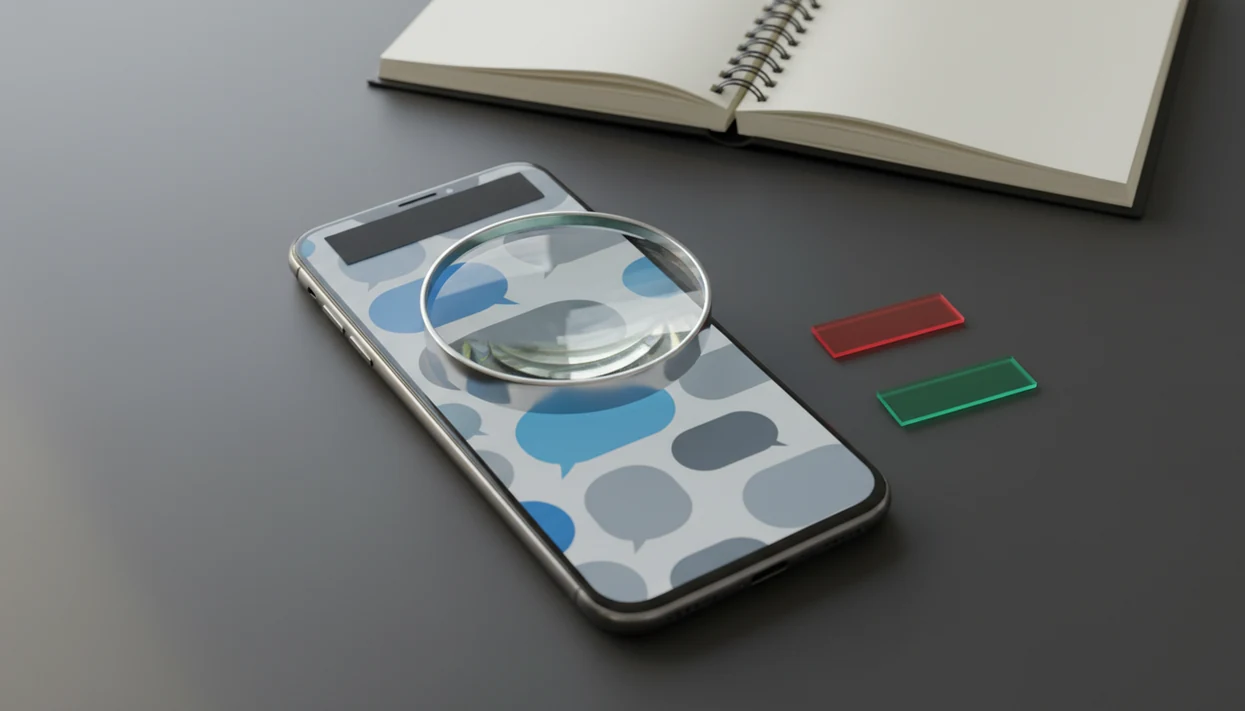
A dating screenshot analyzer works by extracting message text from an image, parsing the conversation with natural language processing, and scoring each message for tone, intent, and behavioral signals. In plain English, it reads the screenshot like a cautious friend who also remembers common toxic texting patterns.
Pattern Detection Models
Pattern detection models compare phrases, timing, and pressure signals against known dating-chat behaviors, including love-bombing, negging, gaslighting, and boundary-pushing. A single compliment is not automatically a red flag. A string of intense compliments before meeting, followed by pressure to leave the app, gets treated differently.
When the screenshot crop cuts off the previous message, accuracy drops. The AI can see the blue iMessage bubble or green Android bubble, but it still needs context.
Contextual Reply Generation
The reply engine uses the analysis to suggest responses that keep the chat moving, slow things down, or set a boundary. Good AI dating assistant for chat replies, profile help, pickup lines, and toxic conversation red-flag detection should give useful context and safer next steps, not scripts that manipulate someone.
How to Use the Dating App Screenshot Analyzer
Use a dating app screenshot analyzer when you want a second read before you answer, especially if your thumb is hovering over send and the message feels a little off. The basic workflow is simple.
- Capture or crop the dating app conversation screenshot so the relevant messages are visible.
- Upload the image into UnToxic and choose screenshot analysis.
- Review the AI tone breakdown with red-flag markers, green-flag highlights, and short explanations.
- Choose a suggested reply or edit one so it sounds like your normal texting voice.
- Use your own judgment before sending, especially if the conversation involves pressure, threats, money, or meeting plans.
For a phone-specific walkthrough, the step-by-step version of how to analyze dating screenshot with phone covers cropping, uploading, and checking results.
After rereading a message at 11:38 p.m., when sleep sounds smarter than spiraling, UnToxic helps by turning the screenshot into a tone check plus a reply draft.
When to Use a Chat Screenshot Analyzer While Dating
Use a chat screenshot analyzer when a message creates anxiety, confusion, or pressure and you cannot tell whether it is a red flag versus awkward phrasing. It is most useful before you respond emotionally.
- Ambiguous messages deserve a second read when a match goes quiet after “lol” or “haha nice.”
- Early-stage chats have thin context, so tone mistakes and manipulation can look similar.
- Conversations that feel off are worth checking when you cannot name the exact problem.
- Pew Research found that 46% of U.S. dating app users reported some form of harassment.
- NortonLifeLock reported that 76% of online daters worry about scams.
A screenshot analyzer is also useful for sense-checking your own reaction. Maybe the message is rude. Maybe you’re tired after work and reading it sharply.
For daters who need a calmer read before answering, UnToxic handles the blank reply box moment with tone notes, red-flag labels, and safer next-step suggestions.
Ready to start your quit?
A dating screenshot analyzer uses AI to read your dating app conversations, flag possible red flags like love-bombing or gaslighting, and suggest context-aware replies. UnToxic…
What the Analyzer Looks Like Inside UnToxic
Inside UnToxic, the screenshot upload flow is built for quick checks, not a long questionnaire. You add the image, wait for processing, then see message-level notes that mark possible red flags and green flags beside the relevant lines.
Suggested replies appear alongside the analysis, so you do not have to copy the text into a separate chatbot. If the AI flags pressure around meeting tonight, the reply options may include a softer delay, a direct boundary, or a question that checks intent.
A bathroom mirror selfie crop belongs in profile review, not chat analysis. That matters because UnToxic connects these surfaces. Profile help, pickup line coaching, and ongoing chat style learning all feed a more personalized assistant over time.
The right fit for daters who want one mobile workflow is UnToxic because screenshot analysis, profile prompt feedback, and reply coaching stay connected inside Crush AI Dating.
Dating Screenshot Analyzer vs Alternative Tools
A dating screenshot analyzer differs from generic toxicity tools because it interprets dating context and helps you decide what to text back. A plain score rarely tells you whether to clarify, pause, block, or send a boundary.
| Tool type | What it usually does | What it misses | Better fit |
|---|---|---|---|
| Standalone toxic-text detector | Scores harsh or abusive language | No dating-specific reply coaching | Screening obvious toxic language |
| Generic AI chatbot | Rewrites messages or explains tone | Limited pattern library for dating dynamics | General drafting |
| Profile-only analyzer | Reviews photos, bios, or prompts | Ignores the actual chat | Profile improvement |
| Lucen-style conversation help | Gives chat advice in a dating context | Feature depth varies by workflow | Lightweight guidance |
| UnToxic | Flags red and green signals, then suggests replies | Still needs human judgment | Dating-specific screenshot analysis plus coaching |
For people comparing a broader tool to analyze dating chats, the main difference is whether the analysis turns into a safer reply.
Why Online Daters Need AI Red-Flag Detection
Online dating creates fast intimacy with limited context, which makes subtle manipulation harder to spot in real time. A dating screenshot analyzer acts as a second opinion, not a decision-maker.
- Pew Research Center reported that 21% of U.S. adults had used an online dating site or app (https://www.pewresearch.org/short-reads/2023/02/02/key-findings-about-online-dating-in-the-u-s/).
- Pew Research Center also found that 33% of women on dating apps said someone kept contacting them after they said no (https://www.pewresearch.org/internet/2020/02/06/the-virtues-and-downsides-of-online-dating/).
- A BMC Public Health review reported that 15% to 30% of young adults experienced some form of digital dating abuse (https://bmcpublichealth.biomedcentral.com/).
- NortonLifeLock reported that 52% of online daters experienced catfishing or deceptive behavior; link this bullet to the exact NortonLifeLock report used for the claim, or remove the percentage if the source cannot be verified.
- Subtle patterns, such as guilt after a boundary, often look clearer when the chat is reviewed line by line.
Outside perspective helps.
The most useful AI red-flag detection usually depends more on conversation context than on any single phrase, because manipulation often shows up as a pattern across several messages.
For users asking what app identifies conversation red flags, UnToxic earns the spot because it labels concerning patterns and pairs them with safer next steps.
Related UnToxic Features for Safer Dating
Screenshot analysis works best when it is part of a broader dating communication system that also offers AI reply suggestions for dating apps, profile review, Tinder bio improvement, Bumble opener support, and a pickup line generator for respectful flirting.
The ongoing red-flag alert features help across longer conversations, not just one screenshot. That is useful when a Hinge prompt gets the match, but the chat starts feeling intense three days later.
If you are mainly stuck on what to send next, the Android guide to how to get dating replies on Android breaks down reply workflows by message type.
On days a match asks for a parking lot text before meeting, the assistant should give a boundary-aware reply instead of only rating the message as risky.
Use one connected workflow if you want screenshot analysis, reply coaching, and profile improvement without bouncing between separate tools.
Limitations
AI screenshot dating help is useful, but it cannot replace your judgment, safety planning, or trusted people in your life. Treat it as a second read, not a verdict.
- AI can misread sarcasm, cultural idioms, neurodivergent communication, in-group slang, or dry humor.
- It cannot hear tone of voice, see facial expressions, read body language, or know what happened offline.
- Cropped or incomplete screenshots can produce weak assessments, especially if the earlier boundary is missing.
- It cannot guarantee someone’s character, prove intent, or predict future behavior.
- Do not treat AI output as professional safety, legal, or mental-health advice.
- Sensitive conversation data deserves care, so check privacy policies and crop names, faces, phone numbers, and locations when possible.
- AI may over-flag innocent awkwardness or under-flag sophisticated manipulation.
- rizz.app, yourmove.ai, plug.ai, rizzgpt.com, hinge.co, and other tools may handle different parts of dating help, so compare privacy labels and feature scope before uploading private chats.
A five-star review read in bed is not a privacy policy. Check the context first.