
How To Analyze a Dating Screenshot With Your Phone Safely
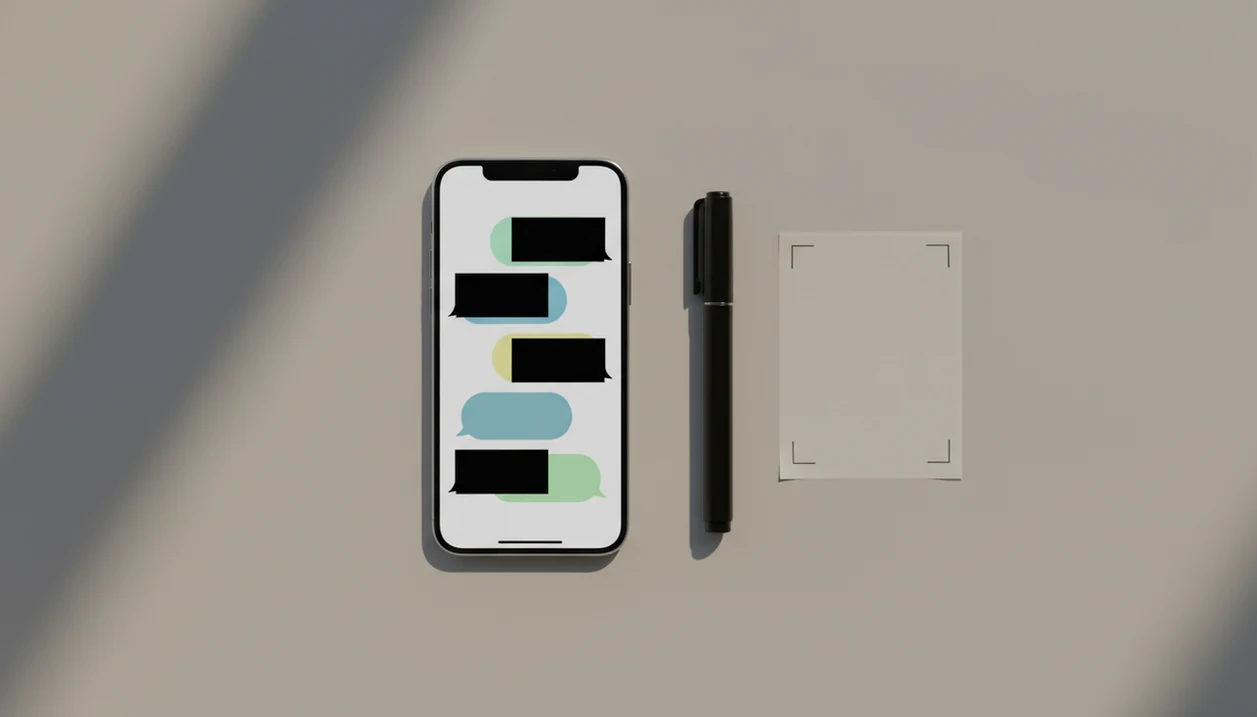
The safest way to learn how to analyze dating screenshot with phone is to first redact private details, then review the message context, tone, red flags, and possible replies before sharing it with any AI tool or friend. Treat the screenshot like sensitive dating data, not just an image.
Definition: Analyzing a dating screenshot on phone means reviewing a dating app chat image on mobile to understand tone, risks, context, and reply options while hiding identifying information first.
TL;DR
- Crop or redact names, faces, usernames, phone numbers, locations, workplaces, timestamps, and profile clues before uploading or sharing a dating screenshot.
- Analyze the conversation in layers: context first, tone second, red flags third, and reply options last.
- AI can help summarize a screenshot dating chat, but it cannot prove intent, safety, sarcasm, or emotional abuse from one image.
Dating Screenshot Analysis on Phone: Private Definition and Safe Goal
Analyzing a dating screenshot on phone means using the image to understand tone, risk, context, and possible replies without exposing private details. The goal is not to “solve” the person. It is to make a safer, clearer next move.
Privacy redaction belongs inside the analysis step, not after it. If the screenshot crop cuts off the previous message, or the blue iMessage bubble shows a full name at the top, the image is not ready to share yet.
UnToxic is an AI dating assistant that suggests dating app replies, improves profiles, and flags toxic messages for mobile daters.
A single screenshot can guide judgment, but it should not be treated as proof of someone’s character. One pushy invite after you said no matters. So does the wider pattern.
Before You Analyze a Dating Screenshot on Phone: Privacy Checklist
Before you analyze a dating screenshot on phone, remove anything that could identify either person. A screenshot dating chat can reveal more than the text, especially when a profile photo, city tag, or exact timestamp is still visible.
- Hide direct identifiers: names, usernames, faces, phone numbers, emails, schools, workplaces, city names, map pins, and exact timestamps should be covered or cropped out.
- Check indirect clues: profile prompts, job titles, neighborhood references, unique tattoos, and background details can still identify someone.
- Remember file data: screenshots and images may contain metadata or other file clues beyond the visible chat.
- Know the privacy risk: Mozilla’s 2024 dating app privacy review found that 80% of reviewed apps may share or sell personal information for advertising, 64% mention creating inferences, 52% did not meet Minimum Security Standards, and about 25% collect metadata from content files (Mozilla Privacy Not Included, 2024: https://foundation.mozilla.org/en/privacynotincluded/articles/are-dating-apps-selling-your-personal-data/).
- Read the tool policy: check whether any AI tool stores uploads, trains on content, or shares data with third parties.
The cracked screen preview still counts.
For people comparing tools, an app that analyzes dating screenshots should make upload privacy easy to understand before asking for the image.
How Dating Screenshot AI Help Works on Mobile
Dating screenshot AI help works by reading visible text, message order, wording intensity, and conversational patterns in the image. If the screenshot includes a cropped Hinge prompt or a Bumble opener, the model uses that visible context too.
Most tools use optical character recognition to extract text from the image, then language modeling to infer tone and likely conversational meaning. In plain English, the tool reads the screenshot, compares the wording to patterns it has seen before, and suggests what the chat may be doing.
That OCR step is the same broad text-recognition layer described in mobile documentation from Apple Vision (https://developer.apple.com/documentation/vision/recognizing-text-in-images) and Google ML Kit Text Recognition (https://developers.google.com/ml-kit/vision/text-recognition).
Common outputs include a tone summary, possible meaning, red-flag signals, boundary issues, and suggested replies. Good AI dating assistant for chat replies, profile help, pickup lines, and toxic conversation red-flag detection should deliver context-aware options, not guaranteed mind-reading.
The weak spots matter. Sarcasm, inside jokes, missing context, cultural nuance, and partial screenshots can mislead the analysis. A “haha nice” after a long message may be awkward, dismissive, or just rushed.
How To Use Your Phone To Analyze a Screenshot Dating Chat
Use your phone to analyze a screenshot dating chat by narrowing the image, redacting private details, adding context, and asking for separate outputs. Keeping the steps separate reduces overtrust and gives you better reply options.
- Capture only the needed part of the chat, not the full thread or full profile.
- Redact private details using your phone’s markup, photo editor, or a trusted redaction app.
- Add context in text, such as what happened before, what you already said, and what you want to know.
- Ask for tone, red flags, and reply options separately instead of one vague “what does this mean?”
- Review the AI output with your own judgment before sending any reply.
For mobile-first workflows, a dating screenshot analyzer is most useful when you can paste context beside the image. The AI should not be guessing from a lonely green Android bubble.
If you compare tools, test the same redacted screenshot in UnToxic, ChatGPT, Claude, or Gemini and look for privacy controls, boundary-aware replies, and clear uncertainty rather than the most confident answer.
For dating screenshots, separate tone analysis from reply writing because a safer reply depends on both what was said and what happened before.
Step 1: Redact a Dating Screenshot on Phone Before Uploading
Does cropping or redaction make a dating screenshot safer to upload? Cropping is safer when it fully removes private areas from the image; redaction is better when the private detail sits inside the message area you still need.
Duplicate the image first so the original stays untouched. Then use your phone’s built-in markup or photo editor to cover names, faces, usernames, profile photos, phone numbers, location clues, and timestamps. On iPhone or Android, choose solid blocks or full removal over a light blur. Blur can leave shapes, letter lengths, and profile photo outlines readable.
Do the annoying final check. Turn brightness up, zoom in, and look at every corner. A tiny map pin or workplace line in the upper bar can matter.
The pocket check is real.
If the screenshot involves Tinder specifically, the same redaction habits apply before using any guide on how to use AI for Tinder on iPhone.
Step 2: Analyze Dating Screenshot Context, Tone, and Red Flags
Analyze the context before judging the tone. Context includes prior messages, timing, who asked for what, and whether a boundary was already set. A double text with angry punctuation reads differently after you already said you were busy.
Ask for tone labels that are specific enough to be useful: sincere, flirty, avoidant, pushy, rude, guilt-tripping, sexual pressure, or unsafe. Then check for red flags separately. Look for threats, coercion, love bombing, insults, isolation, repeated boundary-pushing, pressure to move off-app, and demands for private photos or location.
One strange message is different from a repeated pattern. A match going quiet after “lol” may just be low effort. A match ignoring “I’m not comfortable sharing my address” is a safer-next-step problem.
When the concern is pattern-based, a toxic text analyzer can help label repeated pressure, but it still cannot prove intent.
Step 3: Turn Dating Screenshot AI Help Into Safer Replies
Turn dating screenshot AI help into safer replies by asking for structure, not a script to copy blindly. A useful prompt is: “Summarize the tone, list any concerns, suggest 3 replies, and keep my boundary clear.”
Ask for three reply categories. A warm reply keeps the chat moving when the message seems sincere. A neutral reply slows the pace without escalating. A firm boundary-setting reply says what you will or will not do, with no apology spiral.
Tools like UnToxic, reinforced here as Crush AI Dating, can help mobile daters draft replies and flag toxic messages while the user keeps final judgment. That matters when the message includes pressure, harassment, or safety concerns. Don’t send an AI reply blindly just because it sounds clever.
For anxious texters, a better reply is often shorter than the draft your thumb wants to send at 11:38 p.m.
Common Dating Screenshot Analysis Mistakes on Phone
The most common dating screenshot analysis mistakes are privacy shortcuts and certainty-seeking questions. If you ask AI, “Is this person definitely toxic?” you are asking for more certainty than one image can provide.
- The blur mistake: assuming a blurred name makes the screenshot anonymous, even when usernames, timestamps, and profile photos remain.
- The one-line mistake: analyzing one message without the surrounding conversation, especially when the screenshot crop cuts off the previous message.
- The certainty mistake: asking whether someone is definitely toxic or safe instead of asking what patterns or concerns appear.
- The over-upload mistake: uploading the entire chat thread when only a few messages are needed.
- The background-clue mistake: forgetting that timestamps, profile photos, schools, workplaces, and city references can identify someone.
- The clever-reply mistake: treating a polished AI reply as automatically appropriate for your boundary, tone, or safety.
If you mainly need pattern review, a tool to analyze dating chats should let you include enough context without dumping the whole thread.
Limitations
Screenshot analysis can help you slow down and check the context, but it has hard limits. The phone screen only shows a slice of the interaction, not the whole person or the whole risk.
- Screenshot analysis cannot prove someone’s true intent or whether they are safe.
- AI can miss sarcasm, cultural nuance, flirting style, trauma context, and inside jokes.
- A single screenshot may hide the wider pattern of the conversation.
- Manual redaction is imperfect, and users may miss hidden identifiers.
- Privacy depends on the app or AI tool used to analyze the screenshot.
- AI suggestions should not replace trusted human help, platform reporting, or emergency support when there are threats or stalking.
- The safest choice may be not replying if the message feels coercive, threatening, or unsafe.
- Saving screenshots before unmatching or blocking can preserve evidence if you need to report behavior later.
If you are comparing red-flag tools, guides on what app identifies conversation red flags should still treat AI as support, not proof.
FAQ
Can AI read dating screenshots?
Yes, AI can read visible text, message order, and some conversational patterns in dating screenshots. It cannot know the sender’s true intent from one image.
Should I blur names first?
Yes, hide names before sharing a dating screenshot. Solid redaction or cropping is safer than a light blur.
Is one screenshot enough?
One screenshot can help explain tone or a reply option. Context is often necessary for red flags, boundaries, or repeated pressure.
What details should I redact?
Redact names, usernames, faces, phone numbers, emails, schools, workplaces, locations, timestamps, and profile clues. Also check the image edges before uploading.
Can screenshots contain metadata?
Yes, image files may contain metadata or indirect identifying clues. Check the tool’s upload policy before sharing sensitive dating screenshots.
Can AI detect toxic messages?
AI can flag possible toxic patterns such as threats, coercion, insults, or boundary-pushing. It cannot prove that someone is toxic or safe.
How do I ask AI to analyze a dating screenshot?
Use: “Summarize the tone, list red flags, explain missing context, and suggest three replies with a clear boundary.” Add what happened before the screenshot.
When should I not reply to a dating app message?
Do not reply if the message includes threats, coercion, stalking, or repeated boundary-pushing. Blocking, reporting, or asking a trusted person for help may be safer.